The following Scribe video will walk you through various updates in individual records. The step-by-step guide may be found below and as a .pdf, which is attached.
This guide provides a walkthrough for updating information in the OCYPVA Management Portal. Follow these instructions to accurately record your service details and ensure your records are updated correctly.
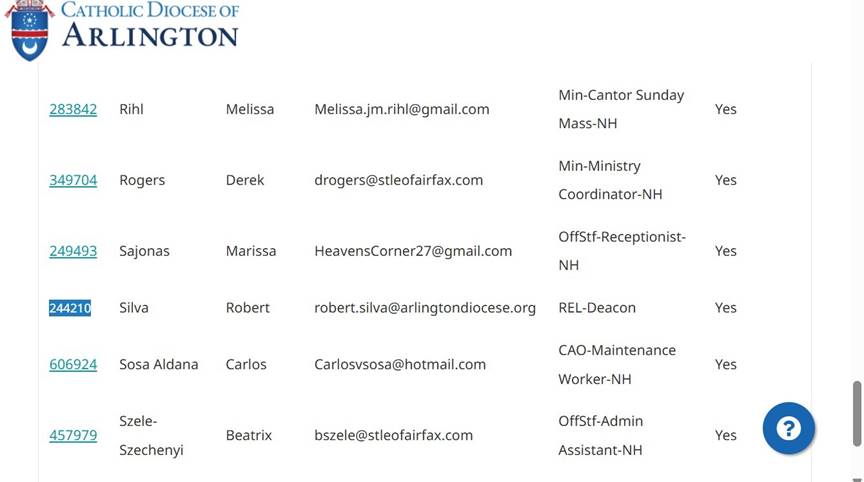
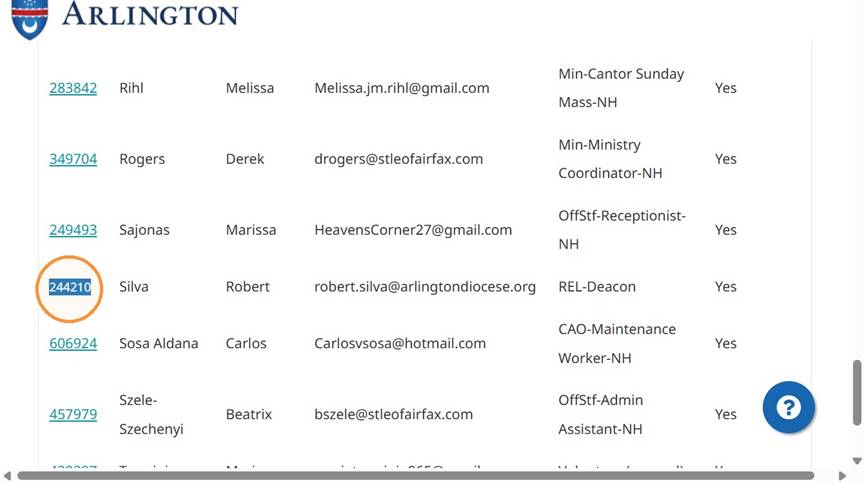
Select Profile
- Click the person ID 244210 link
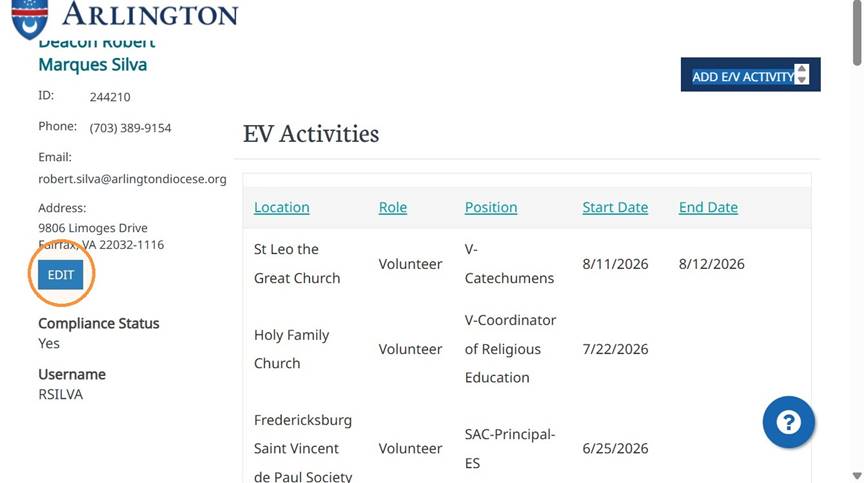
- Click Edit
Update Contact Information
- Click the phone number field
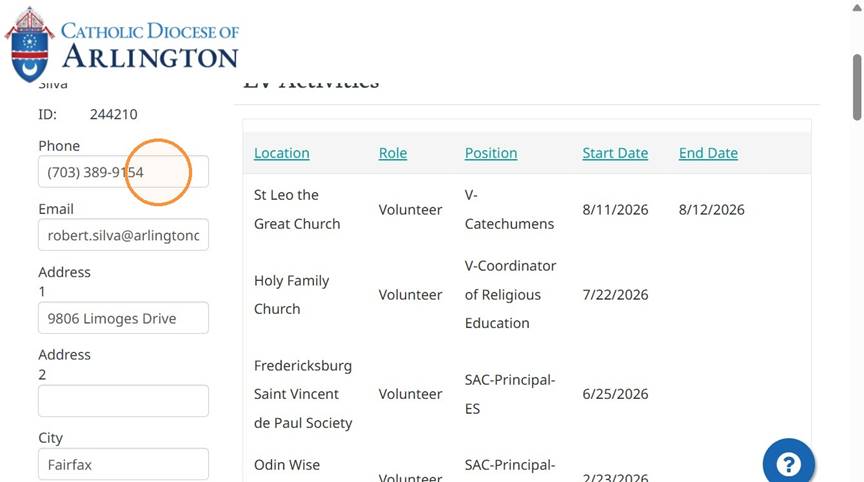
- Click the email field
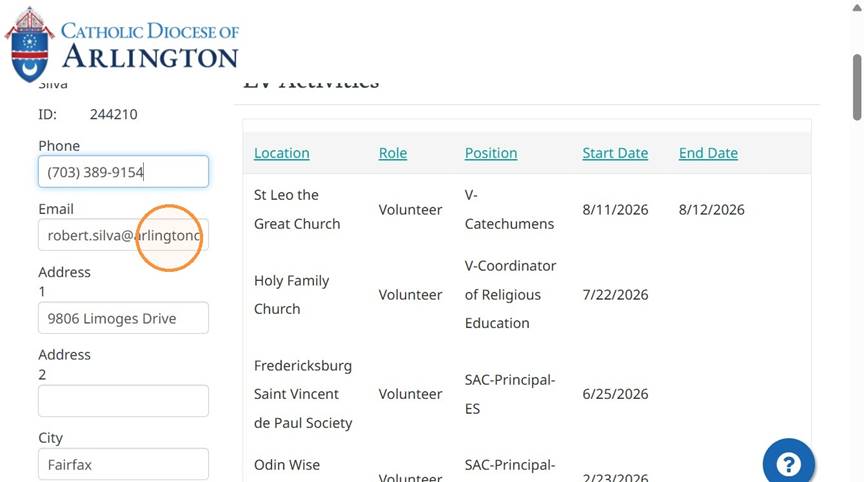
- Click the Address 1 field
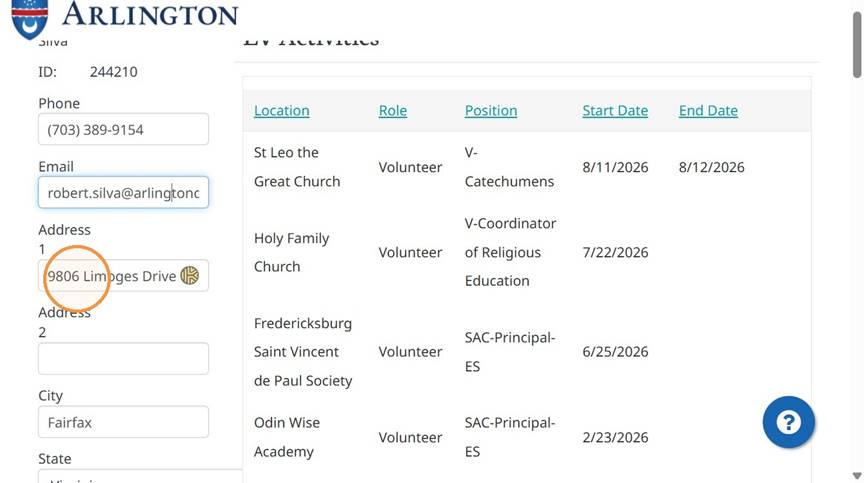
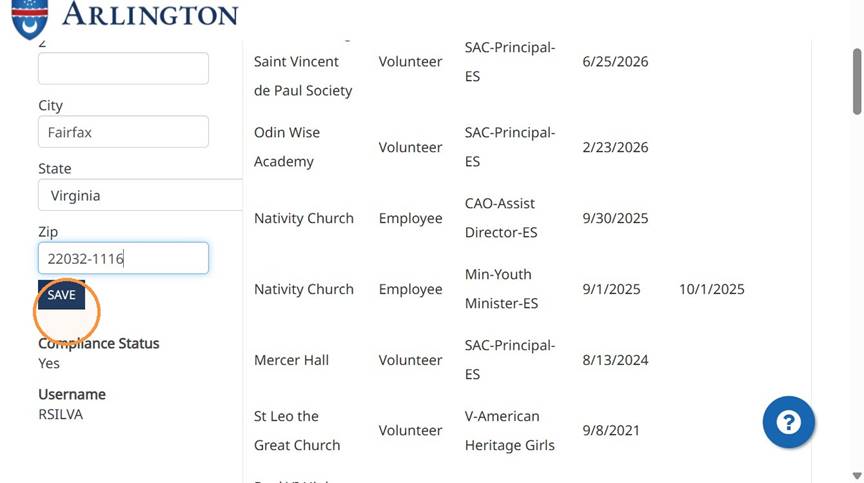
- Click the ZIP code field
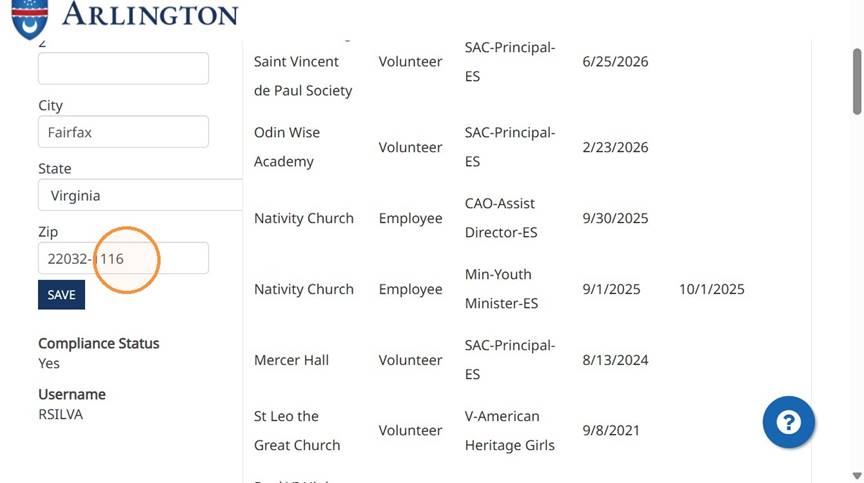
- Click Save
Add E/V Activity
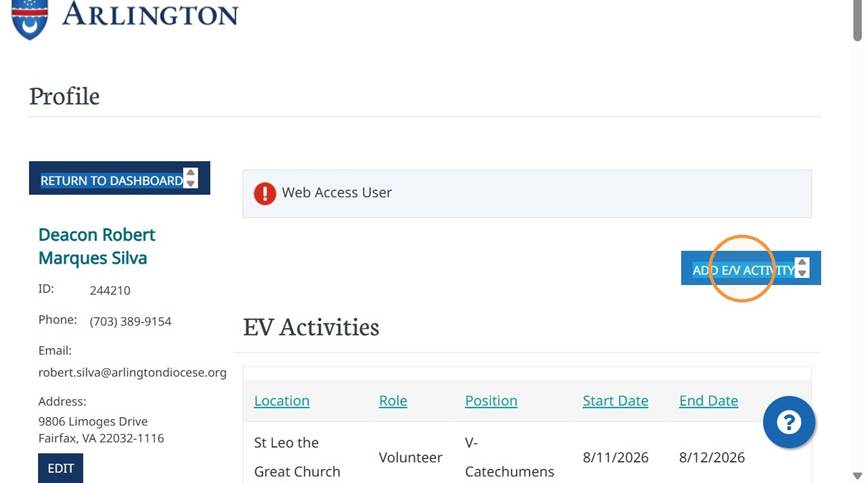
- Click Add E/V Activity
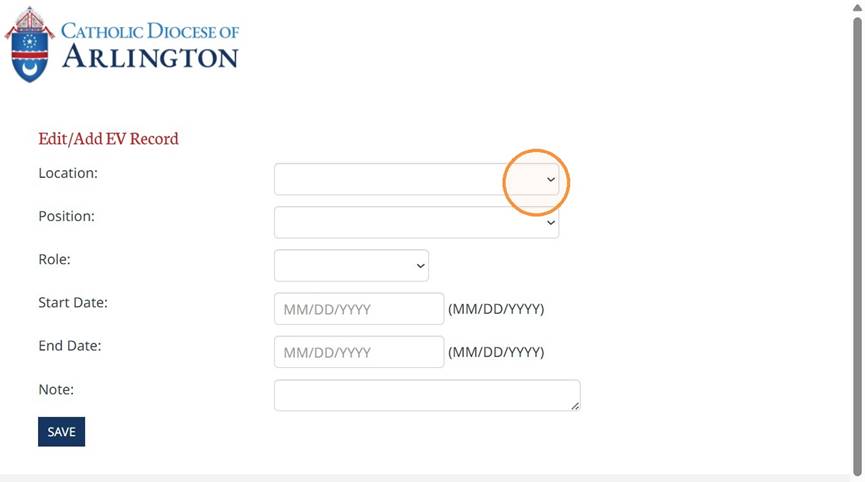
- Open the Location dropdown
Complete Activity Details
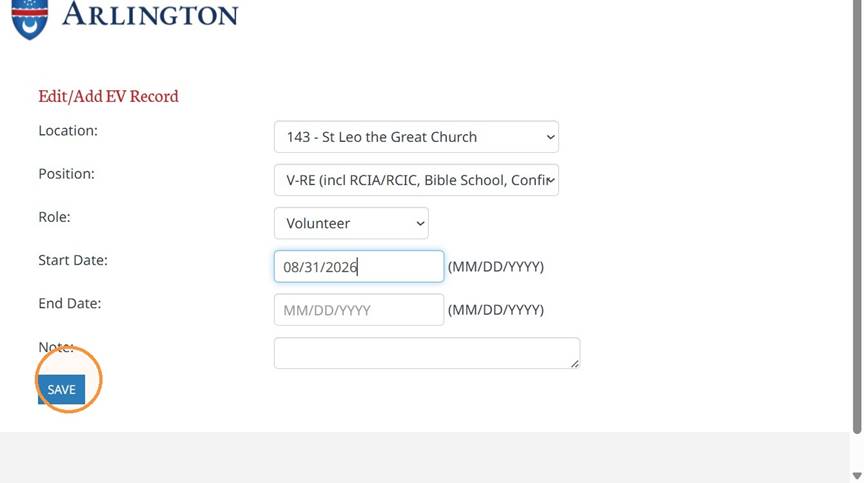
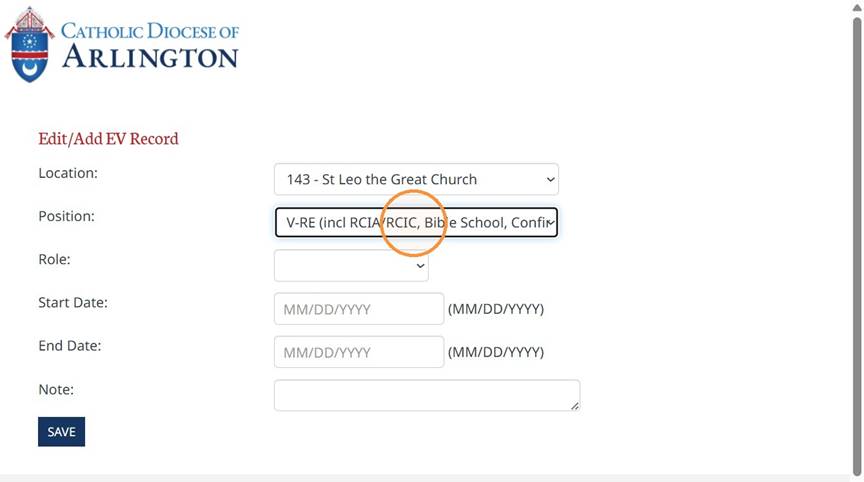
- Select 143 - St Leo the Great Church
- Select V-RE (incl RCIA/RCIC, Bible School, Confirmation)
- Select Volunteer
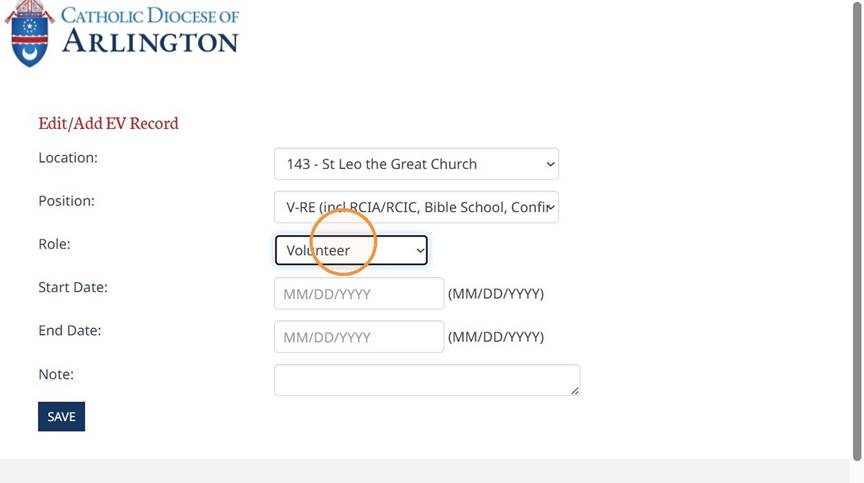
- Enter 08/31/2026 as the start date
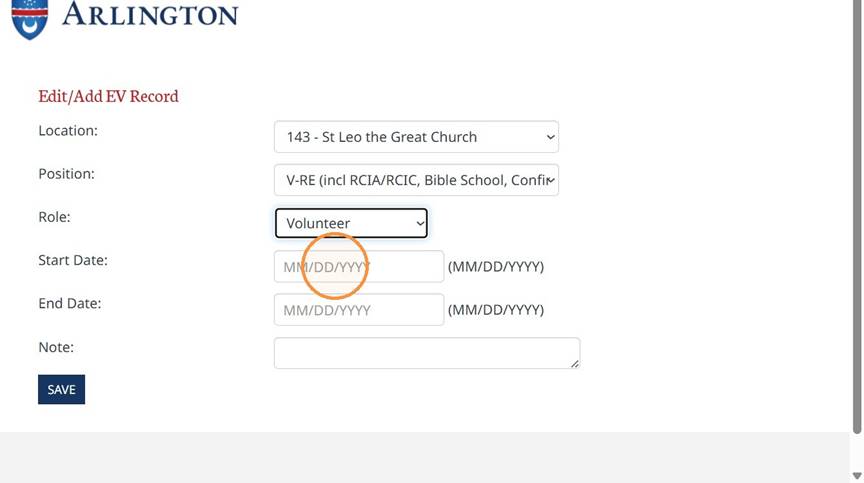
- Click Save